AI Speedbumps is a creative break in four moves, for anyone whose work is starting to look like their genAI tool’s work. Retrieve something you made, the real artifact, not the memory of it. Observe it like a stranger: what did it care about? Extract that in one word. Recontextualize: make one new thing that obeys the word. The speed of generating quietly pulls your work toward the tool’s default style. Your own early work pulls it back.
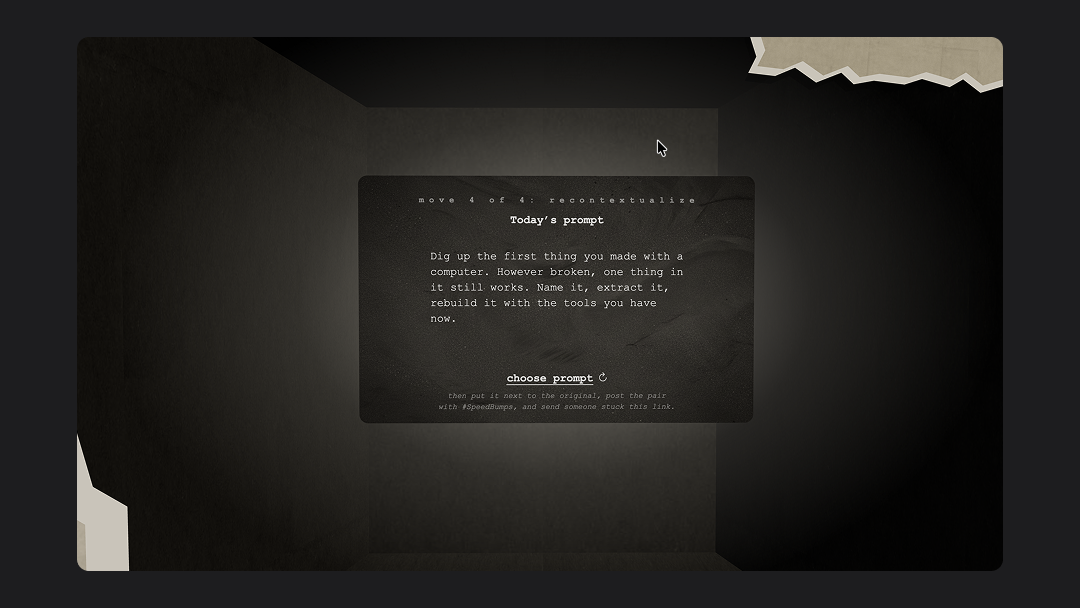
I shipped it two ways, on purpose. A single page that teaches the exercise in a paragraph, for people with five minutes. And a walkable 3D hallway that stages each step spatially, with examples hung along the walls and a deck of creative prompts at the deep end, for people who want to take the break for real. One idea, two fidelities.
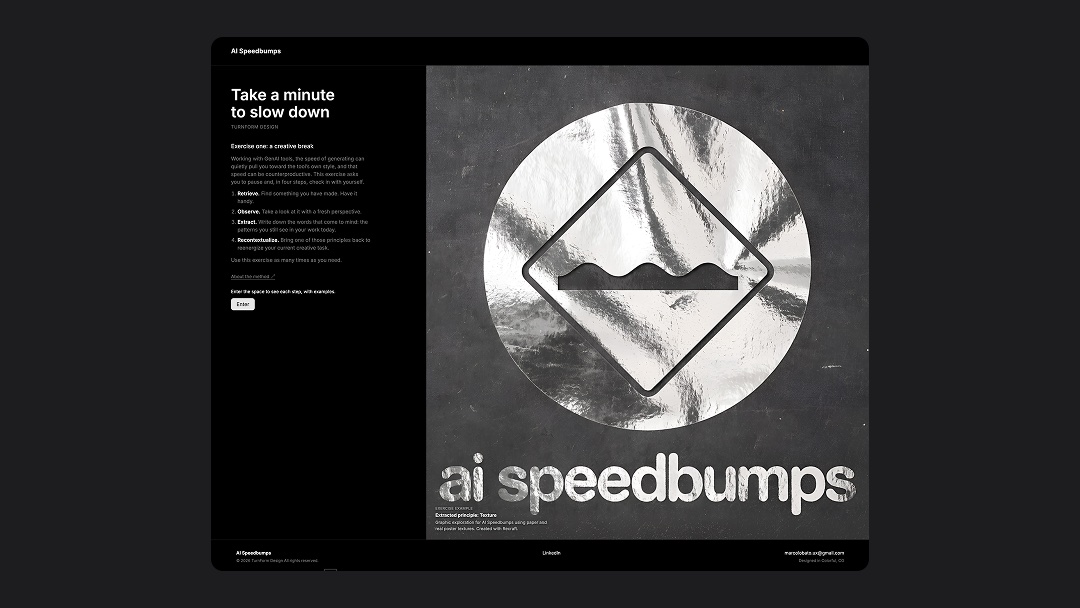 The one-page version. Read the four steps here, or press Enter and walk them.
The prompt the deck dealt me
I built this by doing the exercise first. What I retrieved was marco.estoes.com, the Flash site I taught myself to build in 2000, found on a backup of an old hard drive. It still loaded: the background collaged from newspaper cutouts and scanned black cardboard, my wordmark drawn in Sharpie over the newsprint, a hand-drawn line figure, a typewriter typeface. The site was the front door to my self-hosted email and my other web projects, and it had a photo gallery whose buttons clicked like a camera shutter, a sound that told you these were pictures before you saw them.
The original site. Every hover has its own character: motion tweens I keyframed by hand, before easing curves came free with the tool, repeated until the buttons felt like a family.
What the artifact cared about, looking at it as a stranger: texture, and motion with personality. I spent hours as a teenager getting those hover animations right, keyframe by keyframe, because that play was the fun part of learning Flash. One word survived all of it: texture.
Running the exercise on myself
The recontextualize step became this prototype’s art direction. I had gone looking for textures after Beau Wingfield’s Config talk, Gnarly by Design, to try his nine-slice technique on my own design system. That is part of how I work: catch a technique at a conference, apply it to a real project the same week. But my original scans were tiny and pixelated, unusable at today’s resolutions.
So I rebuilt the material instead of reusing it. I steered Midjourney and Recraft with the original artwork until the cardboard read as cardboard again, then used Figma’s AI agent to produce the card textures at the right resolution, in light and dark mode. The chrome ink on the logo came from the same place: a metallic poster I remembered from my bedroom wall in 2000. Stepping outside my default design system to chase matte cardboard and crumpled foil was the most fun I have had in Figma in a long time, and every texture in the hallway, the cards, and the poster below came out of that loop.
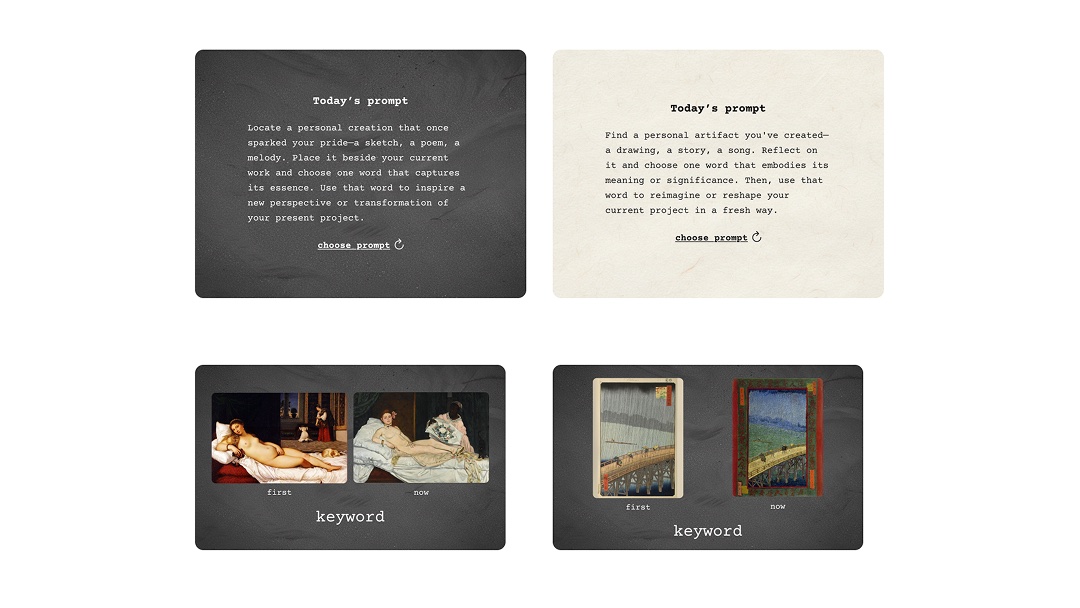 The card components, designed in Figma. The prompt card in dark and light mode, and the gallery pair card that hangs each example in the hallway: first work, current work, and the one word that traveled.
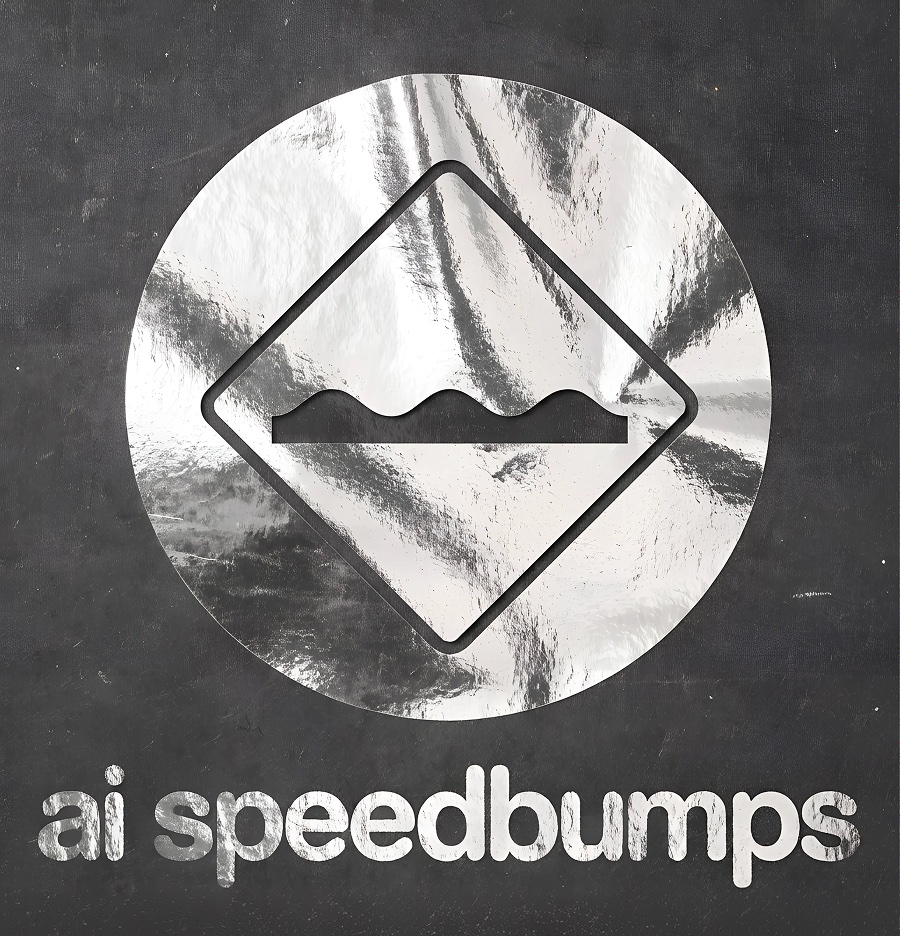 Poster study. Extracted principle: texture. The foil is the poster I remembered; the cardboard is the site I scanned.
What I could not have built before
I am a designer, and a year ago a walkable 3D space meant a complex OpenGL project and a developer who was not me. This one is Three.js and react-three-fiber, built by directing Claude Code and learning the concepts as we went, well enough to explain them in an interview: the fog and lighting that make the corridor feel deep, the GLSL shader that wraps the chrome logo in a modern version of Photoshop’s old plastic-wrap filter, the spatial audio, the damped camera.
Two favorites. Nothing in the hallway moves 1:1 with your hand: every input sets a target and the camera eases toward it a little each frame, a technique called damping, and that easing is the entire difference between a 3D demo and a space with weight. And the sound: browsers refuse to autoplay audio until you interact with a page, so instead of fighting the rule, the design absorbs it. The landing page is silent. Pressing Enter wakes the original site’s rough old sounds, and the ambient hum lives at the deep end of the corridor as spatial audio, so walking forward fades the volume up from nothing. The constraint became the audio experience.
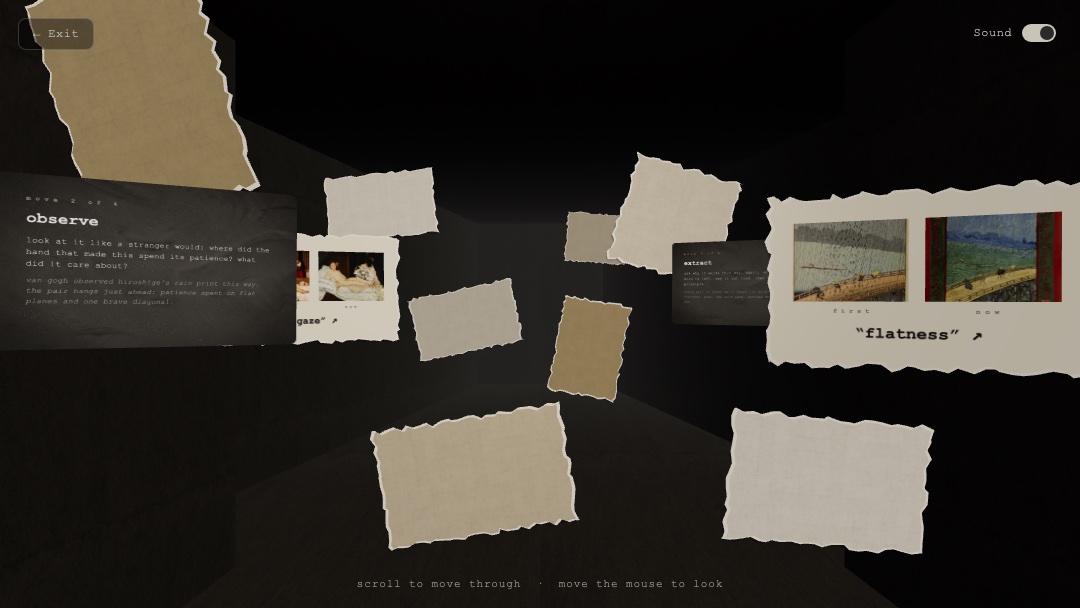 Inside the hallway. Each page pairs an early work with a later one and the one word that traveled: texture, flatness, gaze.
Try it
That is the whole story: one exercise, prototyped by myself in two modalities in a day, a static page and a spatial one, by using the exercise on my own archive. And I stopped there on purpose. New sound effects in ElevenLabs, alternate spatial arrangements, refining the cards with the component variants I built in Figma, and a workflow that generates fresh gallery examples as you walk: all of it goes on the next list, because a prototype’s first job is to validate the idea, not to grow.
The question I want to test first: does taking the break in an immersive space leave you more creative than reading the same four steps on a static page? My hypothesis is that a tangible space nudges you back from the screen, toward the real artifacts within reach of your desk. It already worked on me once. Running the exercise at my own desk, the embossed texture on my mouse and desk mat caught my eye, and the word followed me into the rest of my visual design work: I kept playing with embossing wherever it fit.
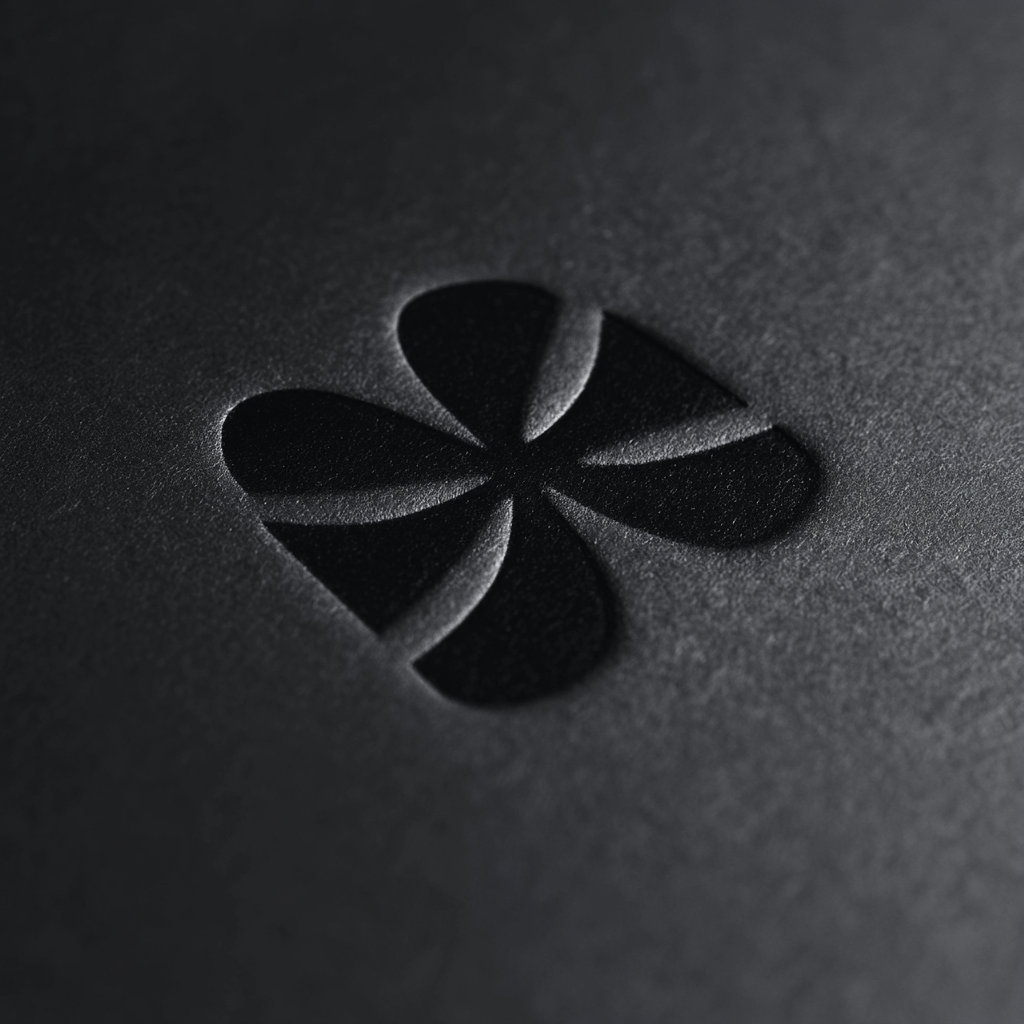 Embossed exploration, made right after running the exercise at my desk. One word, still traveling.
Find something you made. Play with the word it gives you.
The 2000 site ended its welcome text with an ask that never got an answer: I’ll try! What about u?
Marco Lobato · Turnform Design · marcolobato.info