Marco Lobato, alternate expression scratch the surface
Scratch size

Marco Lobato

Product and UX design

My favorite design work is turning powerful technology into something delightfully ordinary that people can trust when it matters most. Getting there takes a lot of scratching beneath the surface.

Weaving Tech

In every project, I enjoy going deep into four things: the technology itself, the domain it belongs to, the people who will use it, and the setting where it all comes together.

Good tech weaving produces experiences people genuinely enjoy.

Helping people adopt new technology, especially where reliability is non-negotiable

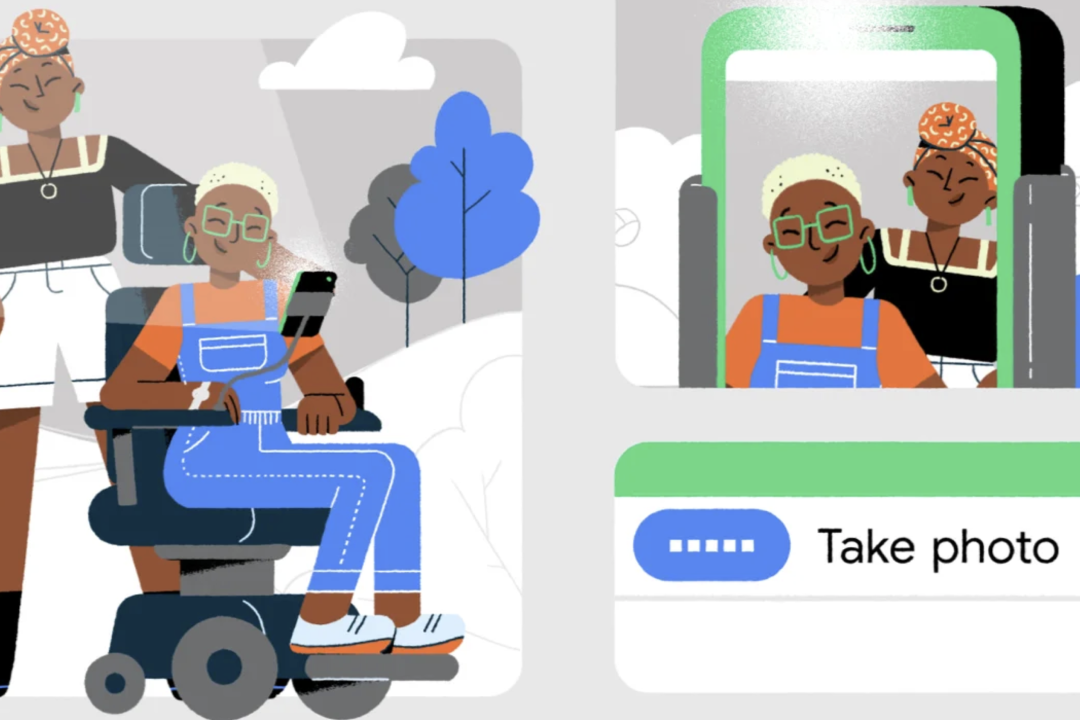
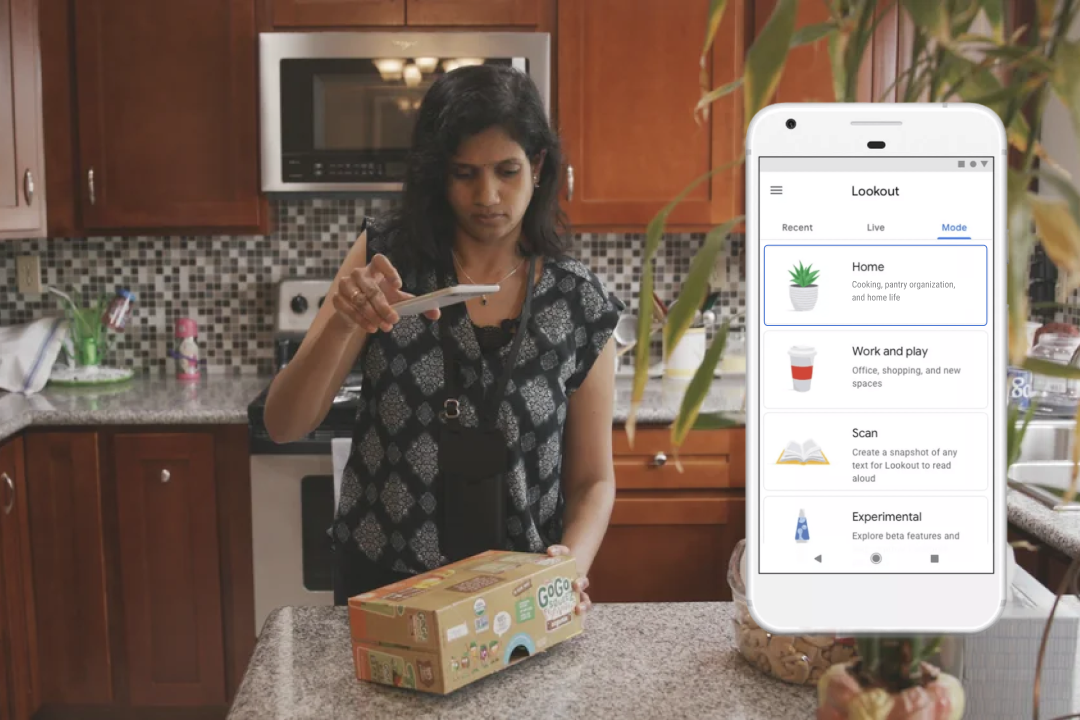
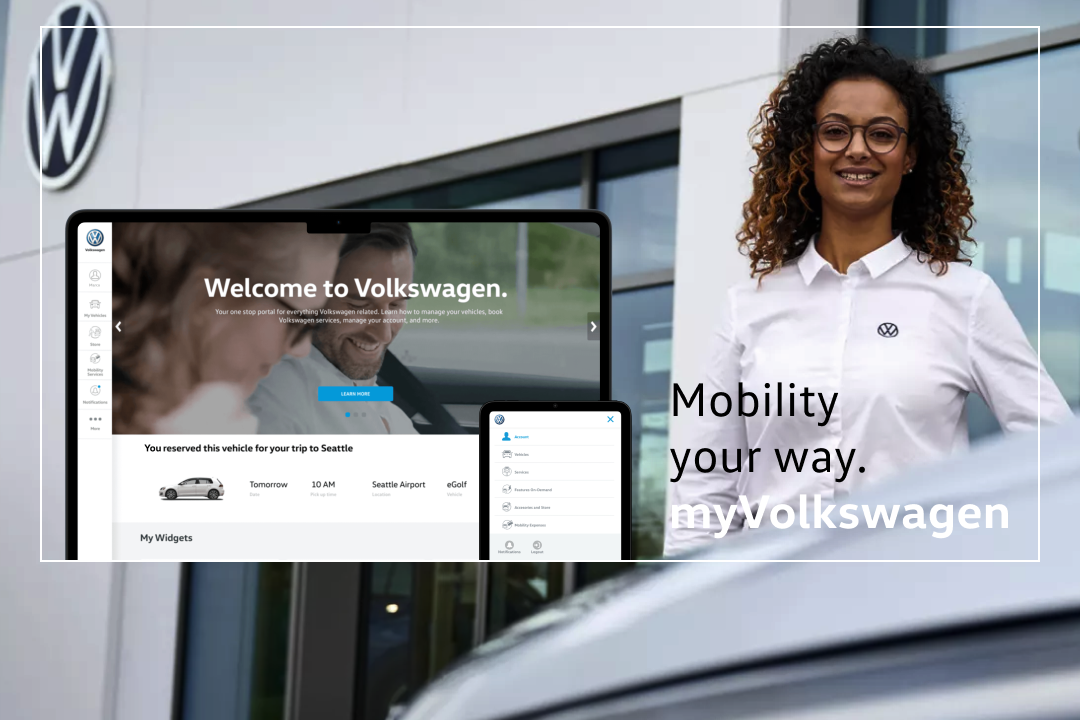
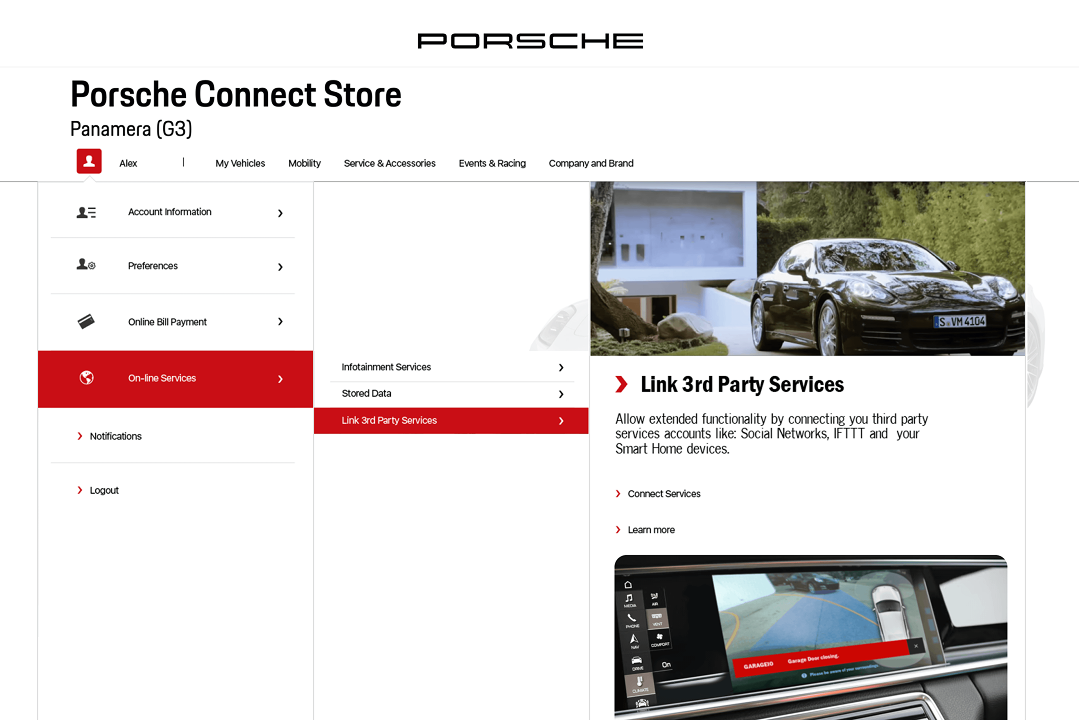
I make products usable however someone interacts with them: by voice, by camera, by an external switch, or by touch. The job is making that reliable enough that people with any set of abilities can depend on it, whether it is a phone or another consumer device, the system in a car, or a service.

At Google I worked at the system level of Android, where a capability reaches every app on the platform rather than one product at a time. That is how millions of people came to use their phone through voice, camera, and physical controls. I also work the layer underneath, on the components and patterns that decide whether all of it behaves the same way from one product to the next, in the apps developers build as much as in Google's own.

The technology keeps changing. What people need from it does not. They should not have to think about the interface, and they should be able to trust it works the same way every time.

Four things I have seen make that happen:

The result is that people stay in the flow of what they are doing. Get that right and the work becomes delivering a delightful product experience, not making one function. These four projects show how.

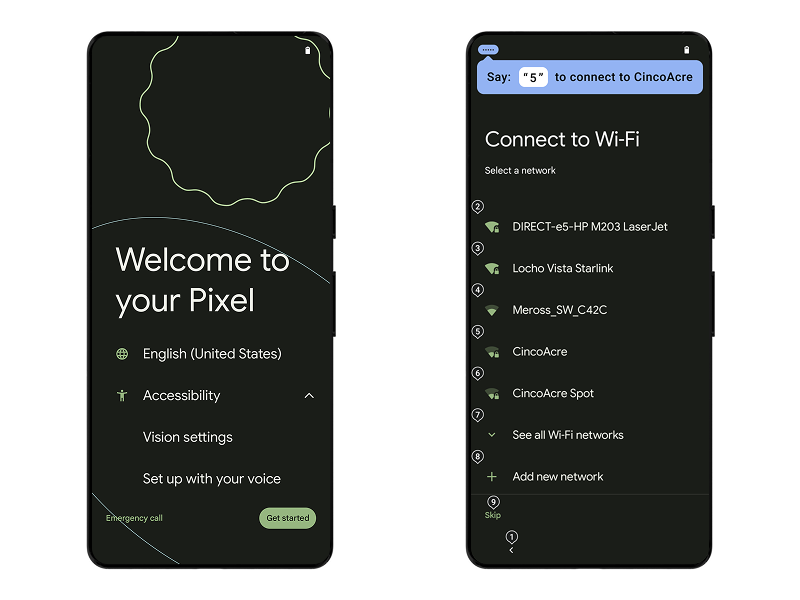
Android Setup Wizard showing numbered Wi-Fi networks with voice input
Channels:
voice
screen
Case Detail

Efficient from the first screen

The moment you start a new Android phone, you can set it up by voice. I integrated hands-free setup into the Setup Wizard so people who cannot touch the screen never have to wait for help.

Numbered labels make it fast. People who already use numbers to navigate stay efficient. People trying voice for the first time learn that saying "two" is easier than spelling out a network name. The system surfaces this hint at the right moment on each screen, teaching a faster pattern exactly when it is useful.

Outcome
First OS
with voice setup
Adopted
by other Android OEMs
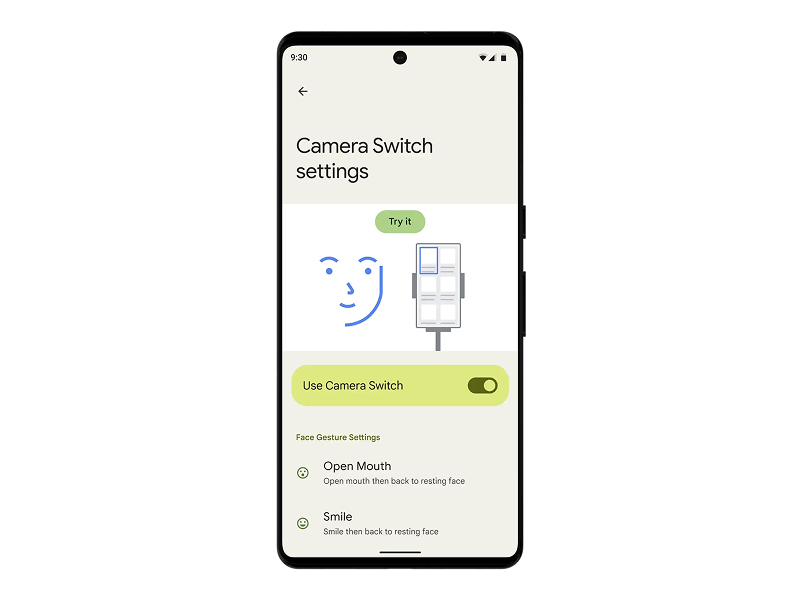
Camera Switch settings showing face gesture mappings
Channels:
camera
screen
gesture
Case Detail

New inputs, same mental model

Camera Switch brought face gestures to Android: raise an eyebrow to scroll, smile to select, open your mouth to go back. My work was integrating this new capability into Switch Access so it felt like part of the same system, not a separate feature.

I unified the setup experience across external switches and Camera Switch, aligning settings, visuals, and onboarding so people could learn and try both in the same place. The same way of expressing intent, the same settings flow. As the input methods grow, the experience stays coherent.

Outcome
Unified
setup and settings across Switch Access
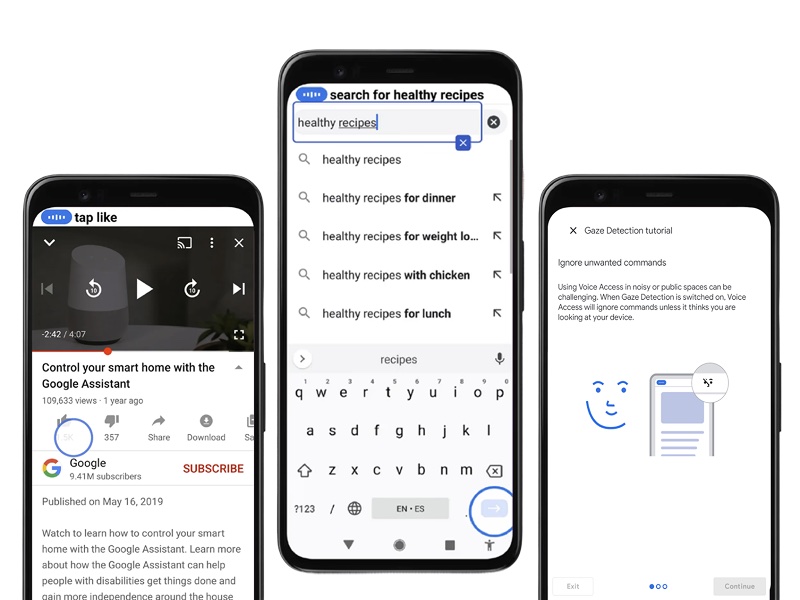
Voice Access showing supervision circle and search results
Channels:
voice
visual
gaze
Case Detail

Automated actions you can follow

Voice Access taps, scrolls, and types across any screen on your behalf. When there is no label, computer vision identifies what an icon means and acts on it. The blue supervision circle shows exactly where the system is acting, so people can follow along without losing their place.

Gaze detection lets the system know when you are not talking to it. If the TV is on or someone nearby is speaking, Voice Access ignores the noise without you having to toggle anything. These came from two separate teams with different technology. I designed the interface that brought them together into how people learn and use Voice Access, so the automation and the awareness of the environment feel like one experience. That is what makes people trust it enough to rely on it.

Outcome
Context-aware
reads the environment
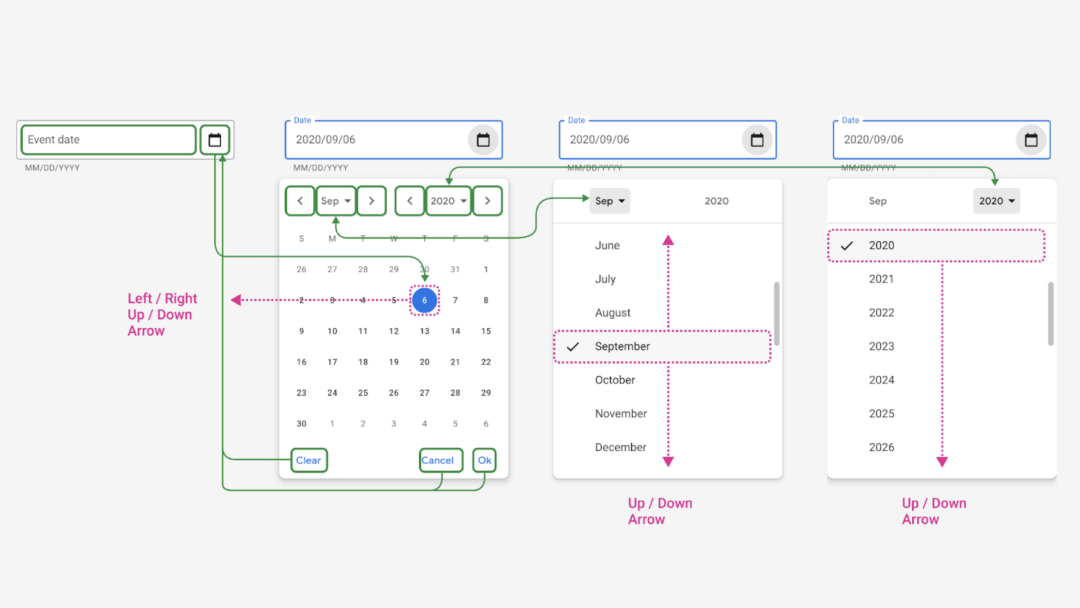
Diagram of the proposed specification for a single accessible date picker across web frameworks
Channels:
keyboard
screen reader
switch
Case Detail

One pattern teams could agree on

Google had dozens of date pickers. They were spread across consumer, enterprise, ads, and internal tools, built on different design systems, in different script frameworks, on different platforms. Each one had solved accessibility its own way, or not at all. Someone using a keyboard, a screen reader, or a switch device met a different component, and a different set of problems, in every product.

I facilitated the work that got teams to one pattern: running the specs, building prototypes, and testing with people who navigate by keyboard or switch. The facilitation was the part I liked most. Designing a component is finite. Getting teams with different stacks to agree on one is not. That pattern carried into Material Design, and through the design systems built on it, into thousands of apps.

Outcome
Material Design
adopted the guidance
One pattern
across consumer, enterprise, ads, and internal tools
Read the full case study

More Projects

I have consistently worked at the edge of new technology, where the biggest design decisions are still unexplored.

Field Notes

A running log of how I work and what I'm curious about. Rough edges included.

View all field notes