About
Weaving Tech
In every project, I enjoy going deep into four things: the technology itself, the domain it belongs to, the people who will use it, and the setting where it all comes together.
Good tech weaving produces experiences people genuinely enjoy.
Selected Work
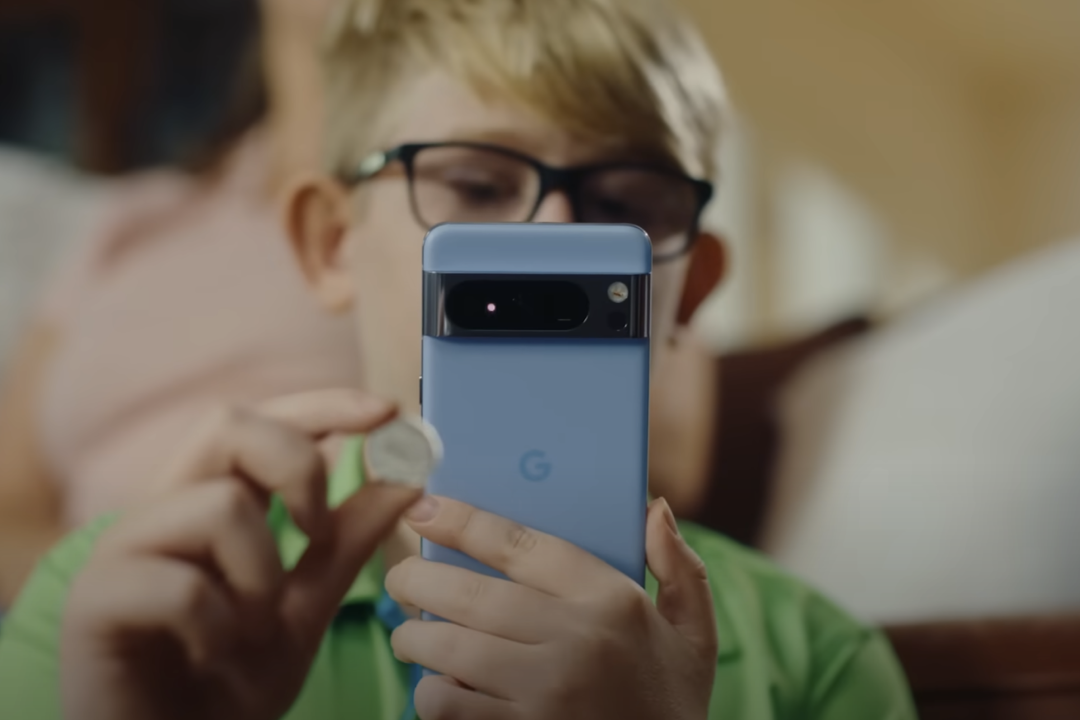
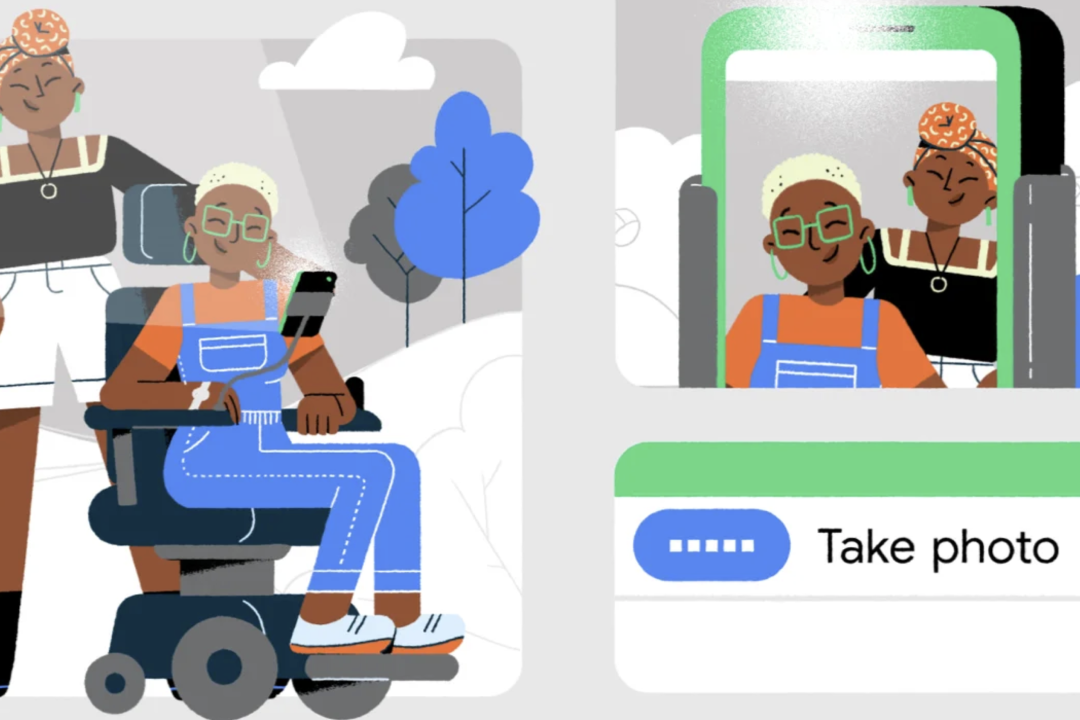
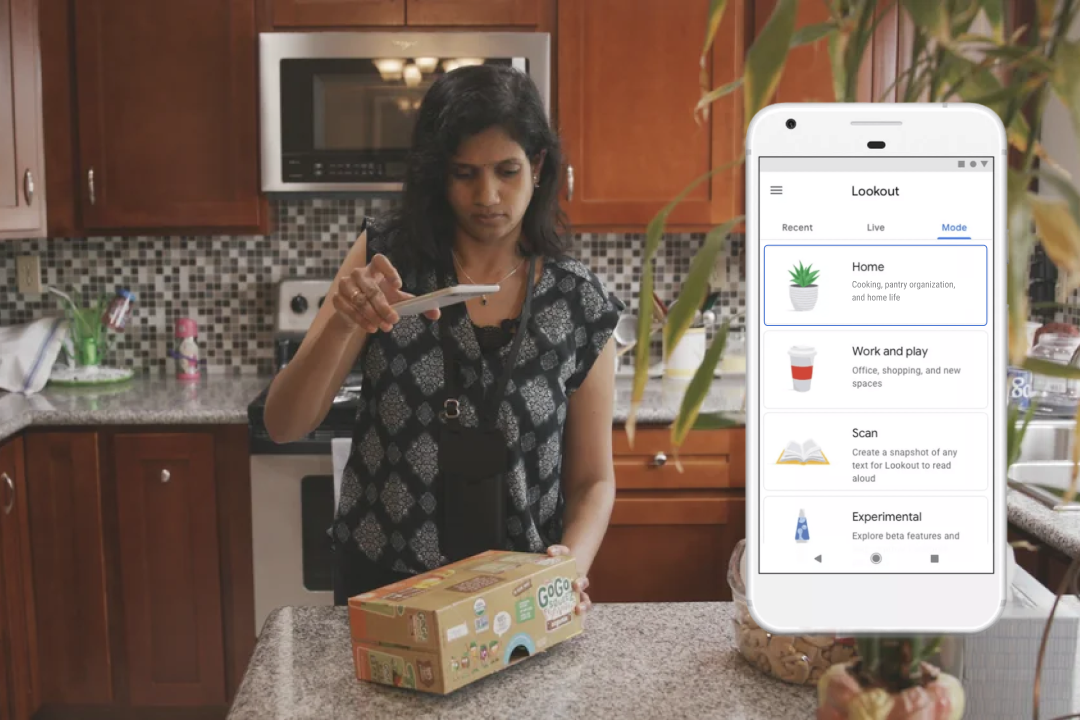
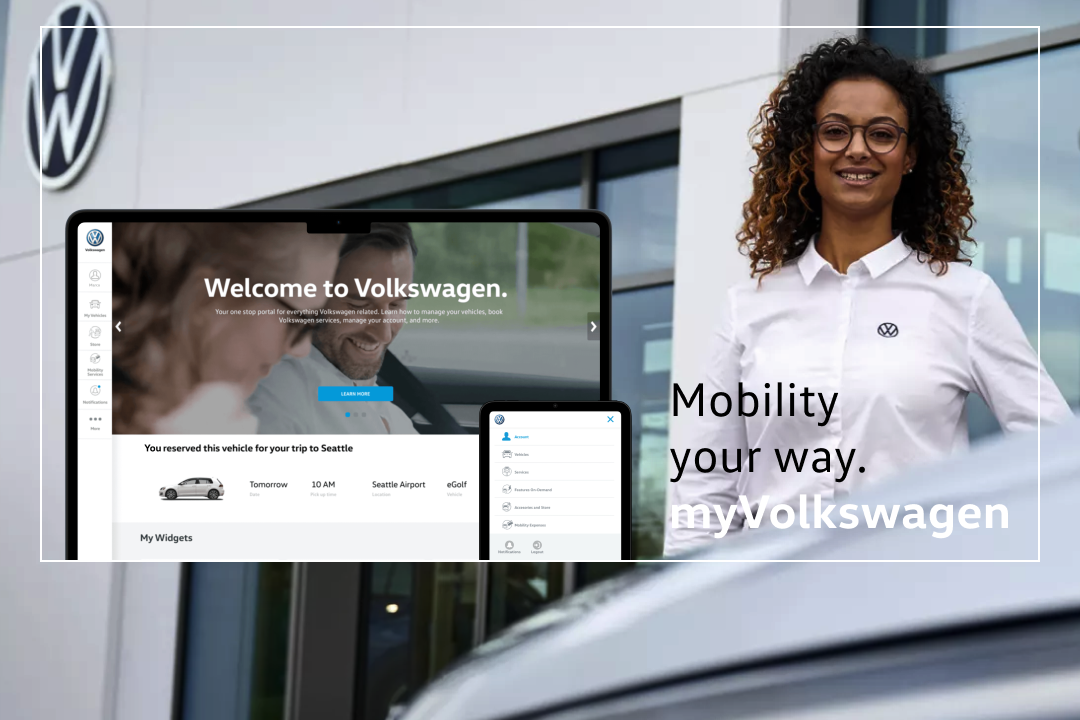
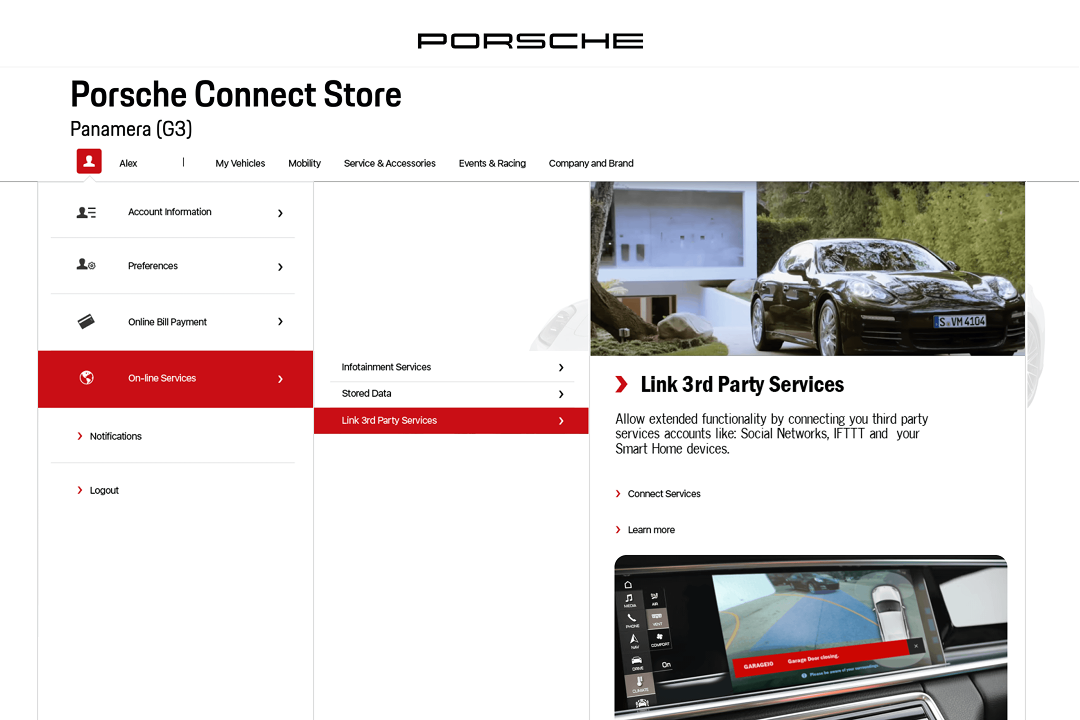
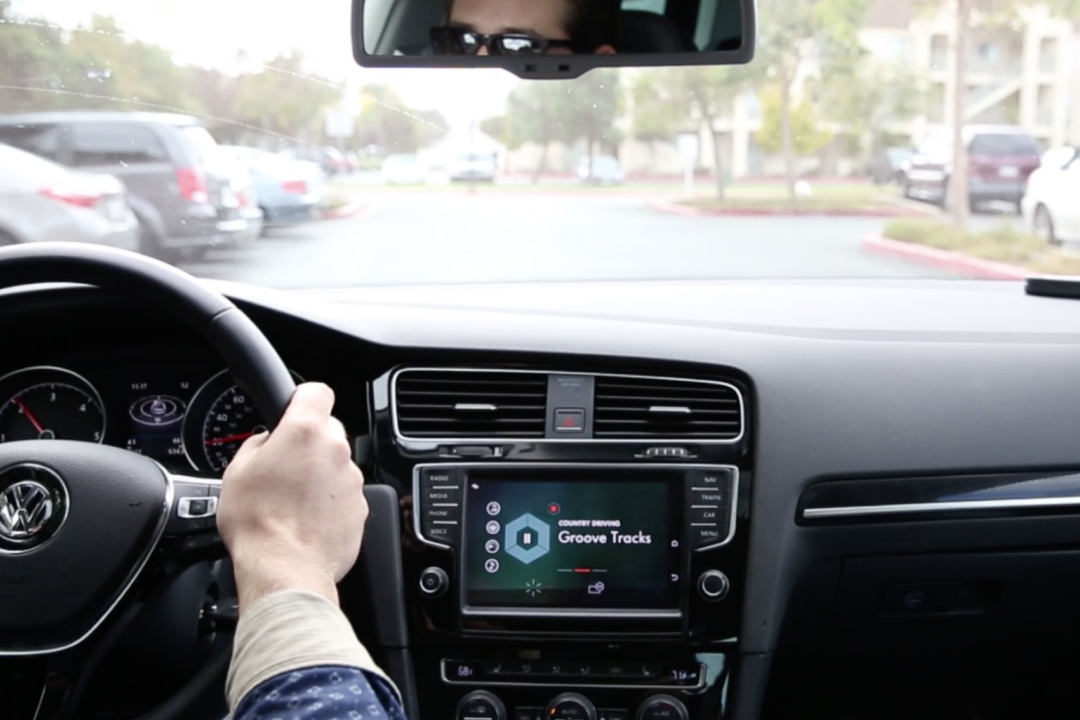
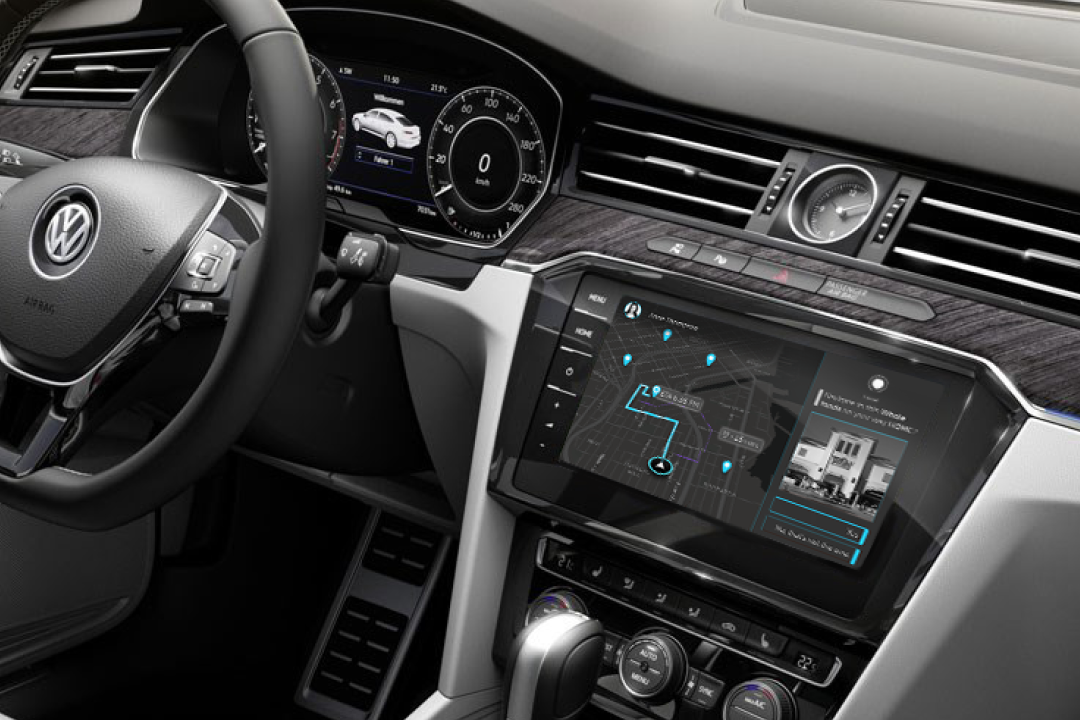
I design interfaces people need to use hands-free, across automotive, assistive technology, and consumer electronics. At Google, I worked on Android accessibility at the system level, shaping how millions of people use their phone to interact with the world around them through voice, camera, and physical controls.
Three things make this work. Efficient patterns have to be learnable from the first interaction, so people trust a new way before they need it. Automated actions have to stay visible, so people can follow what the system is doing on their behalf and stay in control. And new inputs have to be additive, layering onto methods people already rely on rather than replacing them. The result is that people stay in the flow of what they are doing.
These three projects show how.
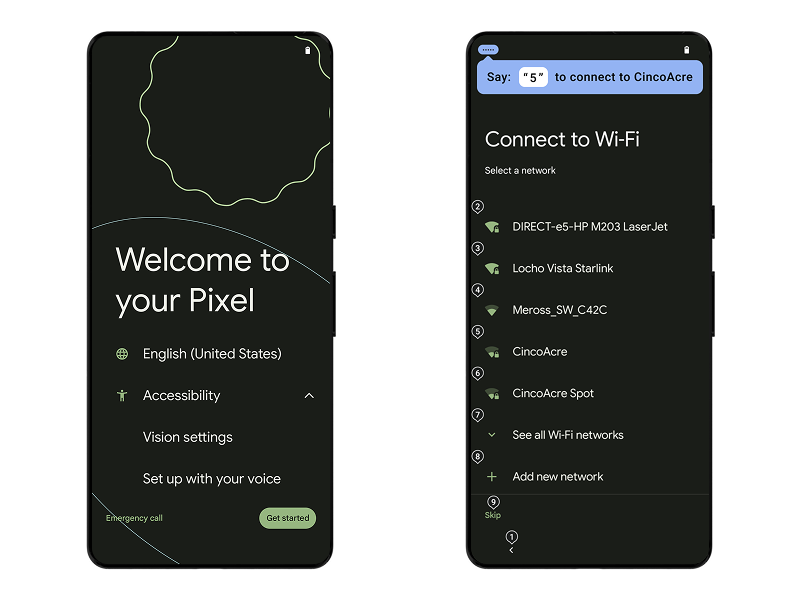
The moment you start a new Android phone, you can set it up by voice. I integrated hands-free setup into the Setup Wizard so people who cannot touch the screen never have to wait for help.
Numbered labels make it fast. People who already use numbers to navigate stay efficient. People trying voice for the first time learn that saying "two" is easier than spelling out a network name. The system surfaces this hint at the right moment on each screen, teaching a faster pattern exactly when it is useful.
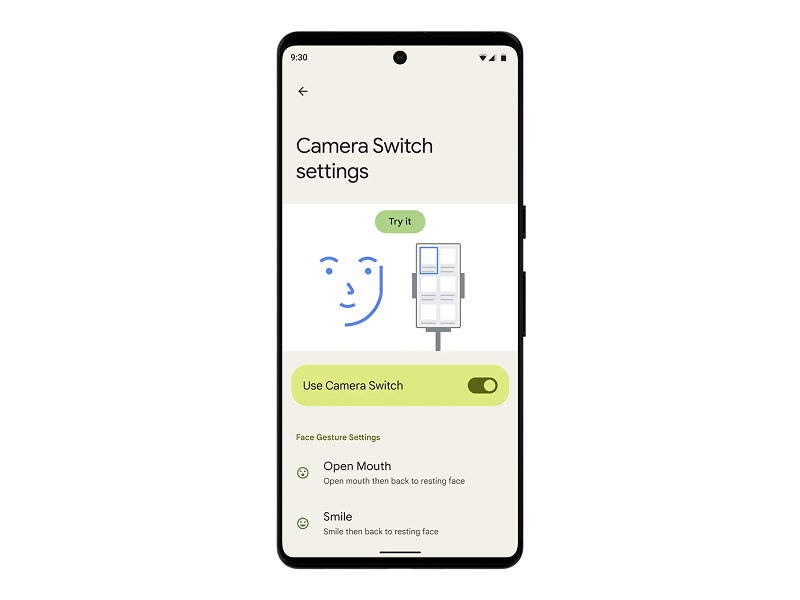
Camera Switch brought face gestures to Android: raise an eyebrow to scroll, smile to select, open your mouth to go back. My work was integrating this new capability into Switch Access so it felt like part of the same system, not a separate feature.
I unified the setup experience across external switches and Camera Switch, aligning settings, visuals, and onboarding so people could learn and try both in the same place. The same intent model, the same settings flow. As the input methods grow, the experience stays coherent.
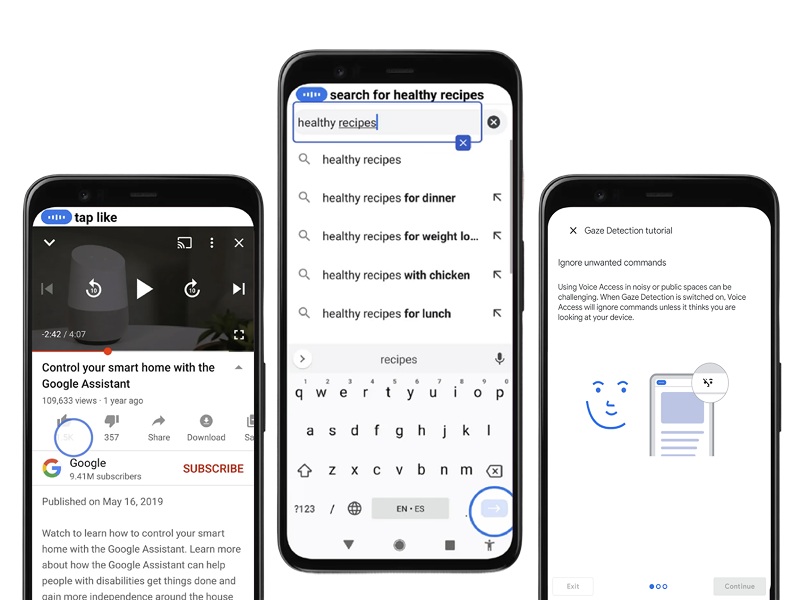
Voice Access taps, scrolls, and types across any screen on your behalf. When there is no label, computer vision identifies what an icon means and acts on it. The blue supervision circle shows exactly where the system is acting, so people can follow along without losing their place.
Gaze detection lets the system know when you are not talking to it. If the TV is on or someone nearby is speaking, Voice Access ignores the noise without you having to toggle anything. These came from two separate teams with different technology. I designed the interface that brought them together into how people learn and use Voice Access, so the automation and the awareness of the environment feel like one experience. That is what makes people trust it enough to rely on it.
Just as AI, computer vision, and better speech technology made voice interaction smarter, large language models continue making every product better. My experience is helping people adapt, evolve, and adopt, especially when reliability is non-negotiable.
More Projects
I have consistently worked at the edge of new technology, where the biggest design decisions are still unexplored.
Currently Building
NewI am building in public here. If you are working on the future of consumer electronic interfaces or AI-powered products, let's talk. This playground grows over time, starting with the design system behind this site and expanding into experiments and prototypes as they take shape.
Writing
A virtual human that coaches pharmacists to protect personal information at the counter. Prototyped with Tavus to test my privacy patterns.
Designing privacy for the pharmacy counter. Learning Voiceflow along the way.
From years of designing with people with disabilities, what I believe multimodal AI still needs to get right.
How I used AI-powered tools to reconnect design theory and practice in a one-day UX experiment.
What happens when you try to map a physical room into a digital interface in one week.
On why showing unfinished work is more useful than waiting for the perfect case study.